
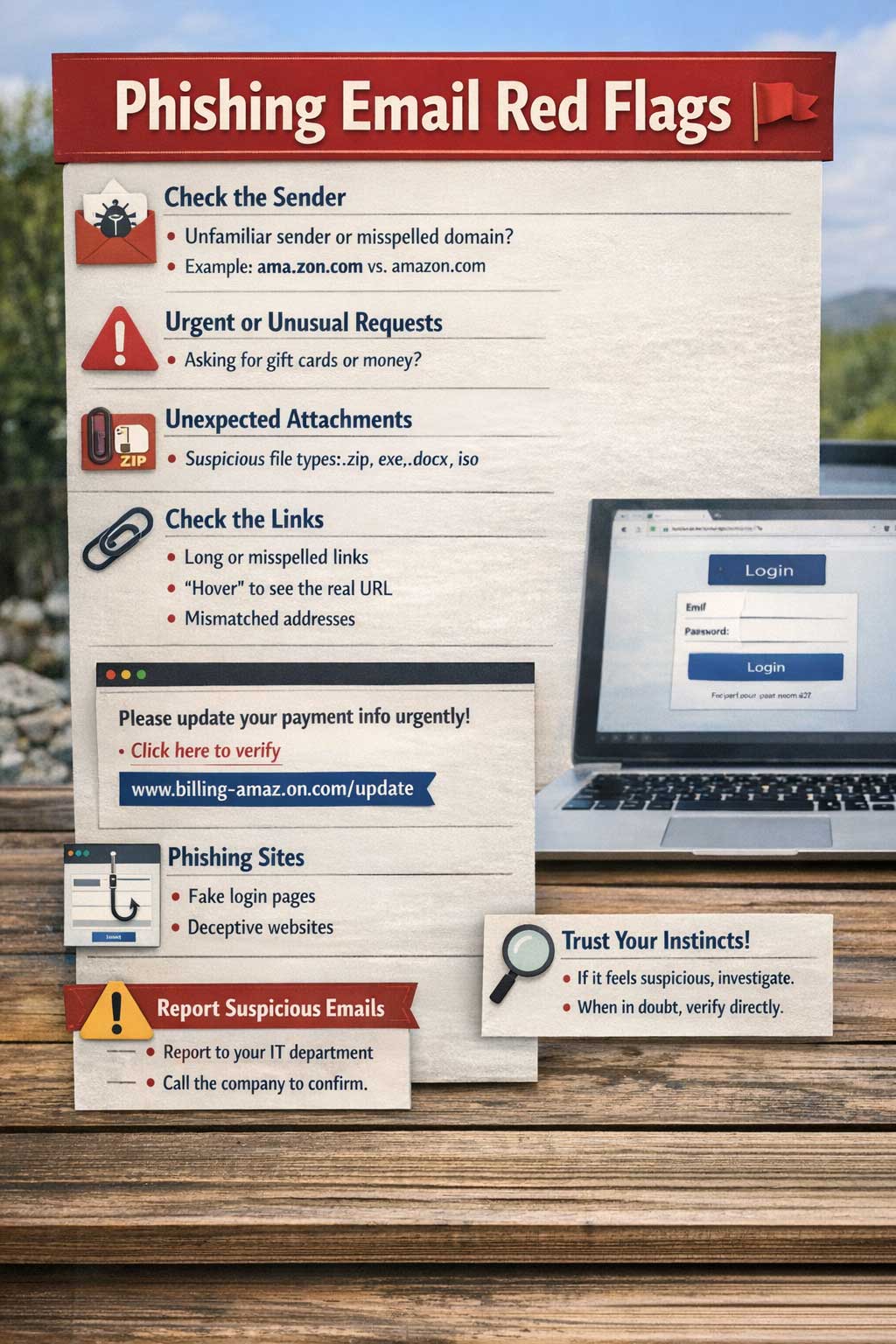
Phishing Email Red Flags
Sender and Domain Issues
- Unfamiliar sender or a familiar sender with an incorrect or misspelled domain
- Subtle domain differences are a major red flag
- Example:
ama.zon.cominstead ofamazon.com
- Example:
Urgency and Unusual Requests
- Overly pushy or urgent tone
- Requests that seem unusual, such as:
- Purchasing gift cards
- Sending money to a colleague
Unexpected Attachments
- Ask yourself:
- Does the file type make sense in context?
- Is it password-protected or zipped without explanation?
- Were you expecting this file?
Suspicious Links
- Be cautious of:
- Long links with no context
- Misspelled versions of popular websites
- Mismatched URLs (displayed link differs from actual destination when hovered)
High-Risk Attachment Types
- Compressed files:
.zip,.rar - Executables:
.msi,.exe - Disk images:
.iso - Scripts:
.bat,.ps1 - Office documents:
.docx,.xls - HTML files:
.html - PDFs
Login Prompts After Clicking
- If clicking a link or opening an attachment leads to a login request:
- Verify the domain carefully
- Phishing sites often mimic legitimate platforms like Facebook, QuickBooks, or Microsoft
- Entering credentials on these sites gives attackers direct access
General Suspicion
- If something feels off, trust that instinct
Common Phishing Scenarios
- A potential client sends a project link that points to a known phishing domain (e.g.,
boldsketch.pages.dev) - A legitimate company asks you to update payment details, but the sender’s domain is misspelled
- A coworker sends an invoice that requires logging in to view
Responding to Phishing Emails
- Report the email to help improve spam and phishing detection systems
- If unsure whether an email is legitimate:
- Contact the sender using a verified phone number or trusted method
- Do not rely on contact details provided in the suspicious email